Full player view
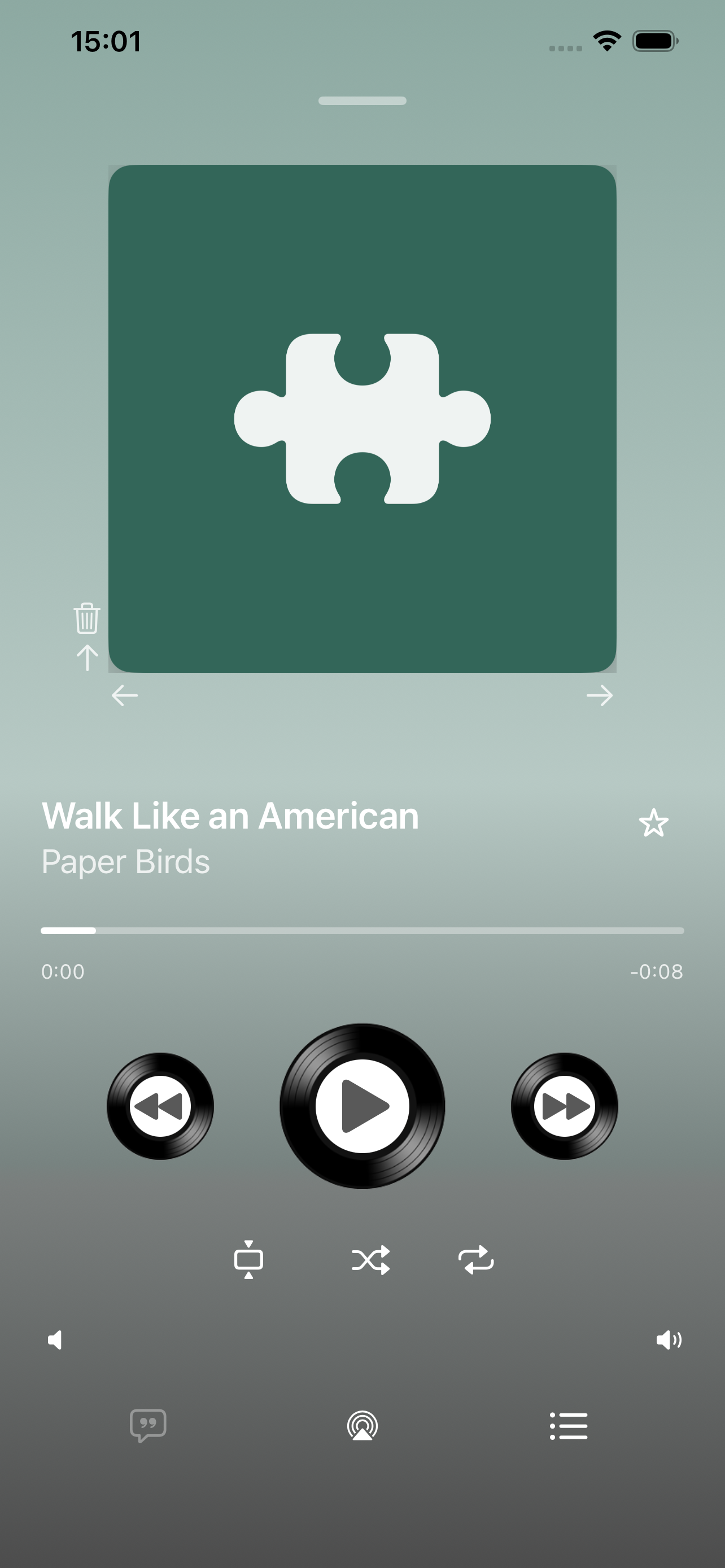
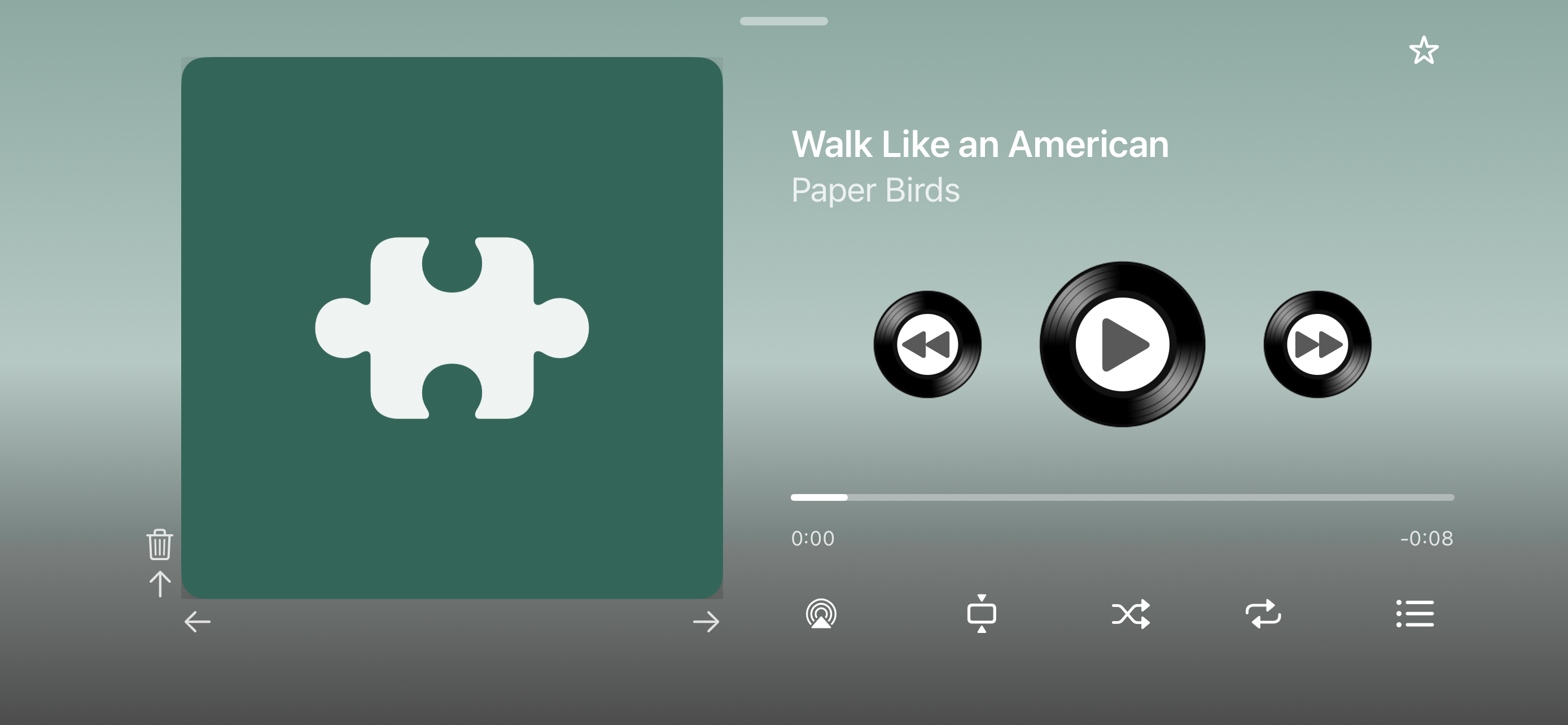
A dedicated Now Playing screen with large artwork, LP-style transport, progress, lyrics, and AirPlay— in portrait and landscape.
12 years · relaunched · local library only
Give your songs a face: a cover shelf instead of endless text lists. After 12 years, relaunched—with a full player view, Cover Flow, new shuffle modes, and in Gold mode a true iPad layout. It uses only music loaded on your iPhone or iPad; it does not access streaming services.
Part of aurarum – apps with one clear job. Our approach
Covers · Player · Cover Flow · Listen
For twelve years My Records has focused on local music collections. The relaunch adds without replacing the familiar.
A dedicated Now Playing screen with large artwork, LP-style transport, progress, lyrics, and AirPlay— in portrait and landscape.
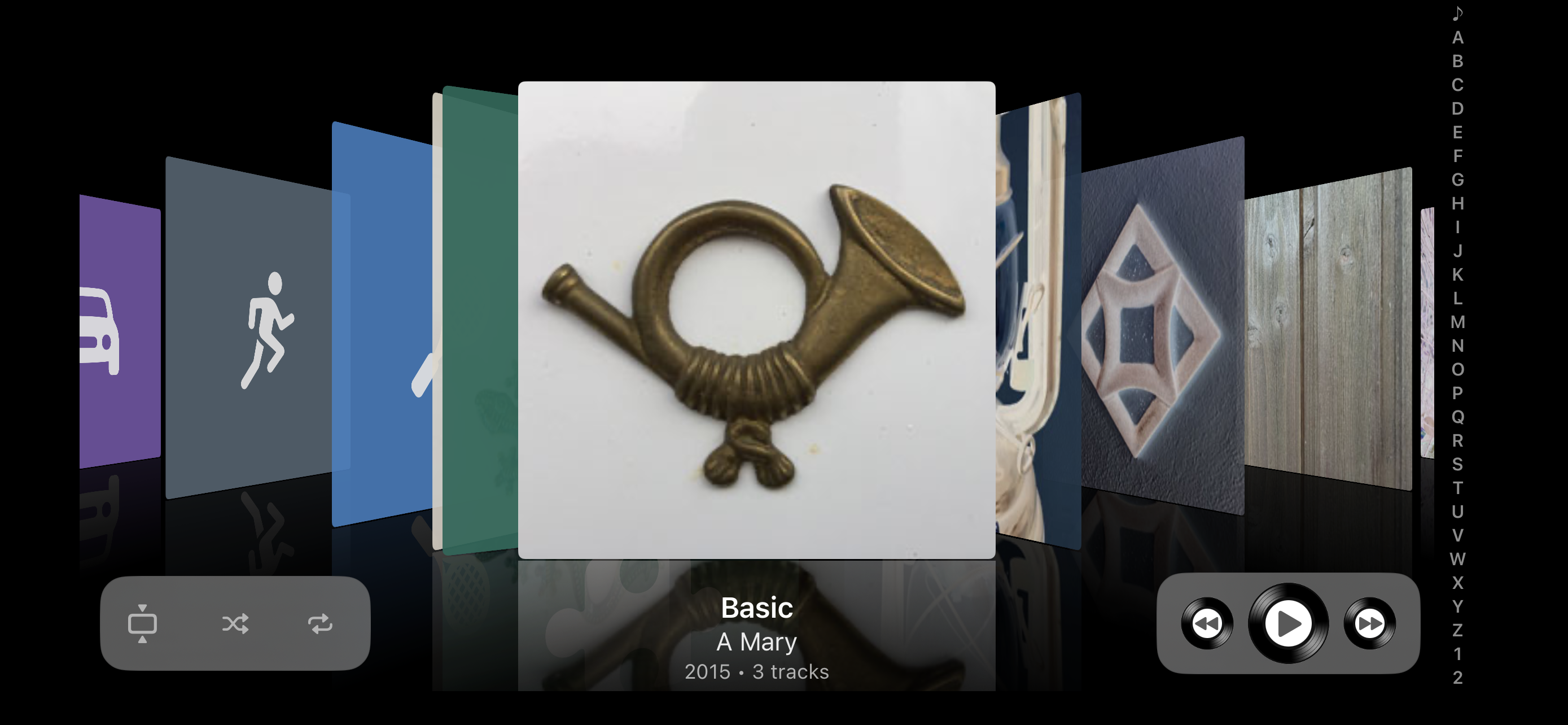
A three-dimensional cover interface: browse by flipping through album art, like records on a shelf.
Available in landscape only.
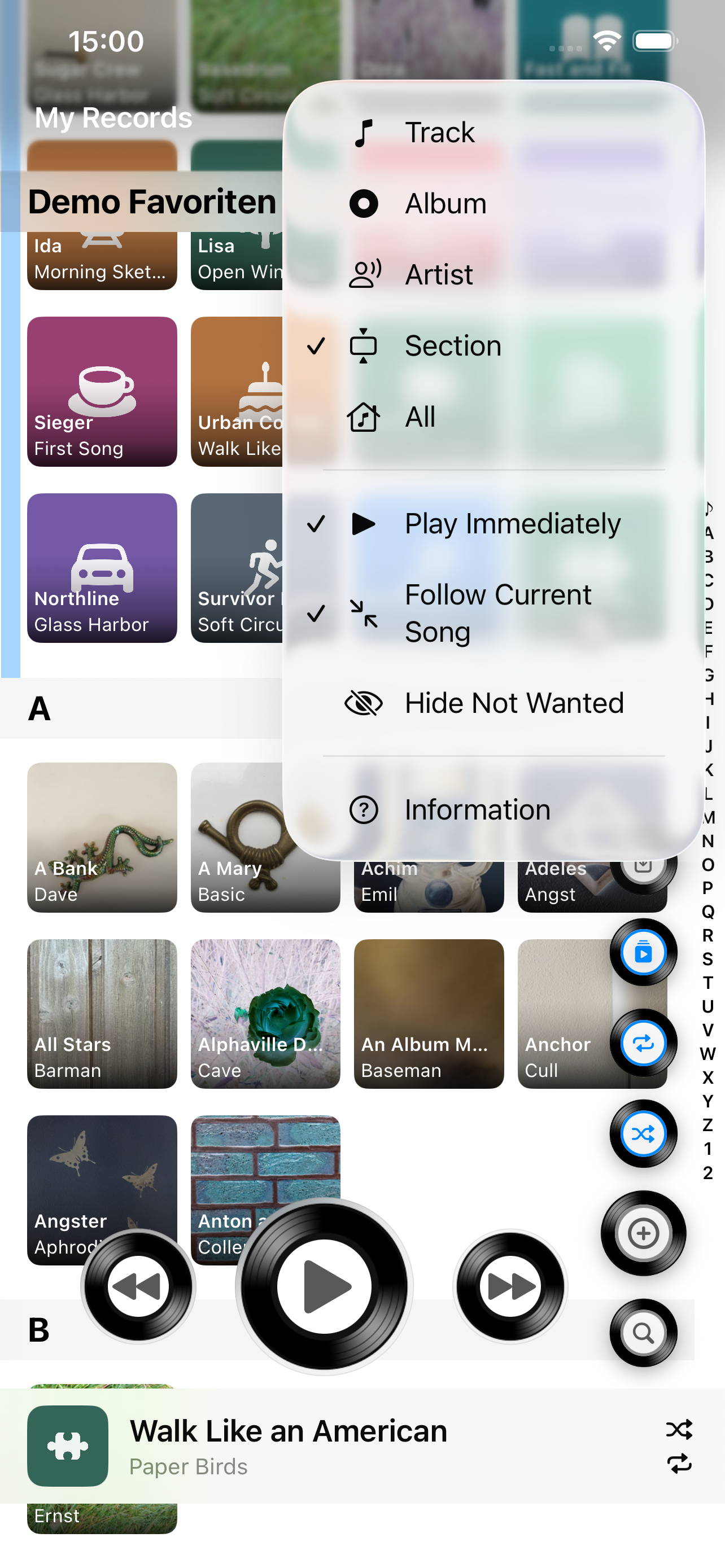
Pick whole albums or whole artists at random for playback— on top of the familiar scope from a single track to the entire library.
With Gold mode on, the iPad uses the full screen— not a stretched iPhone layout. You can also show vinyl controls as gold or black.
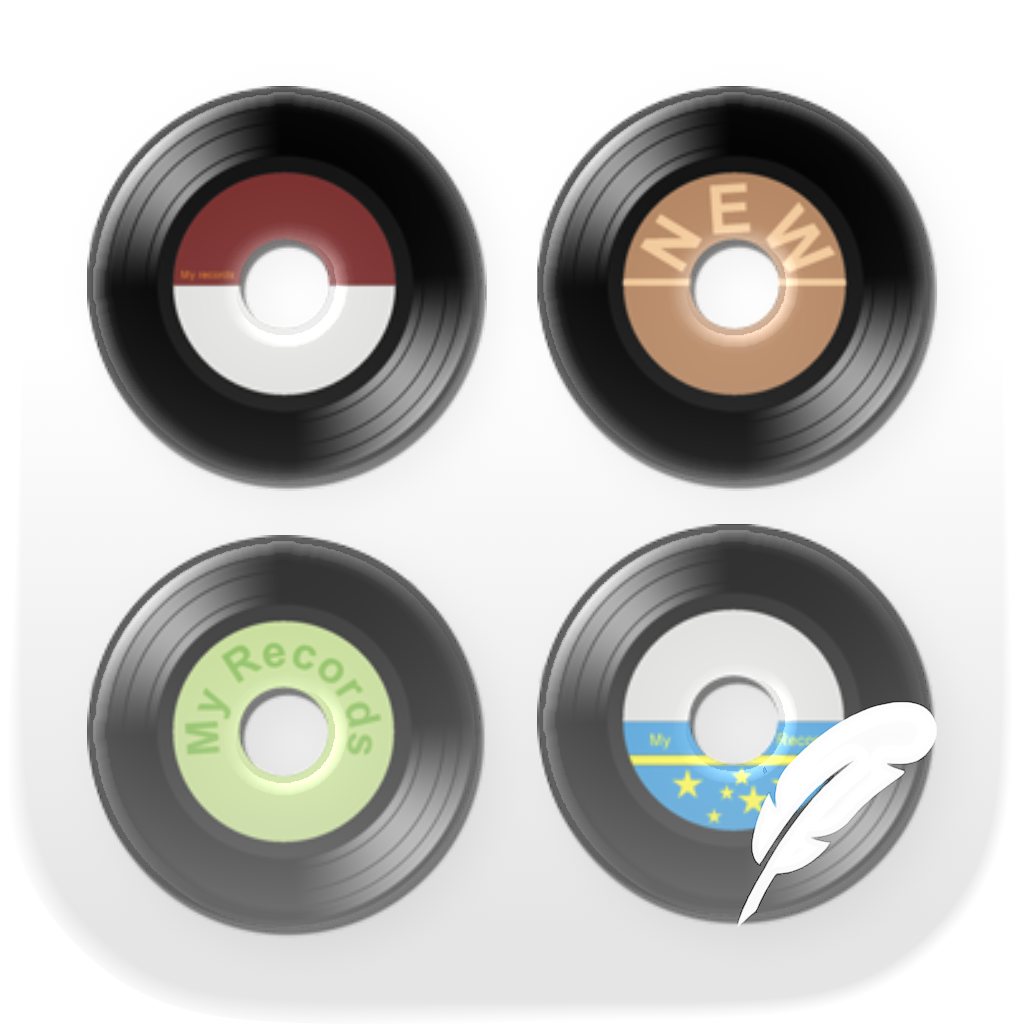
My Records
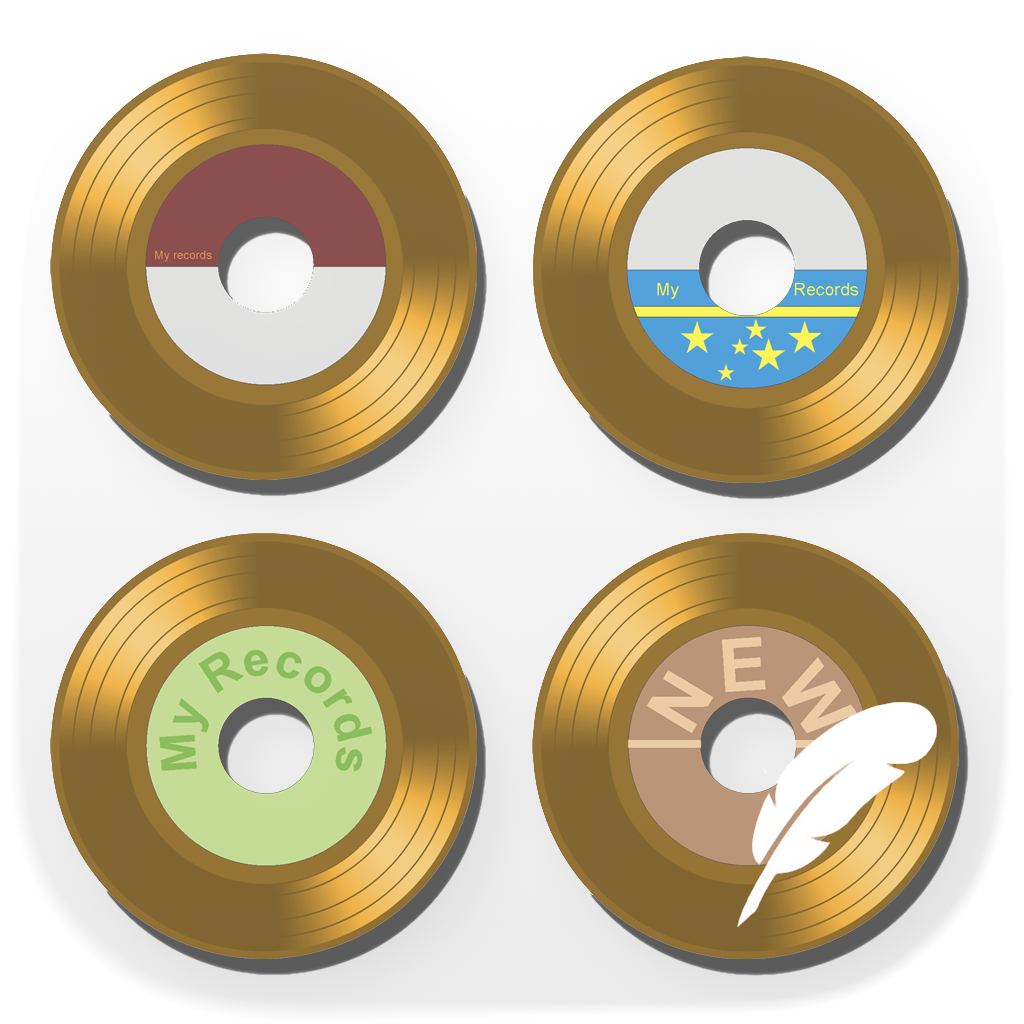
Gold mode
Covers first, playlists from your collection—no podcasts, radio, or all-in-one streaming in the same interface. The app is for music loaded on your iPhone or iPad; it does not access streaming services.
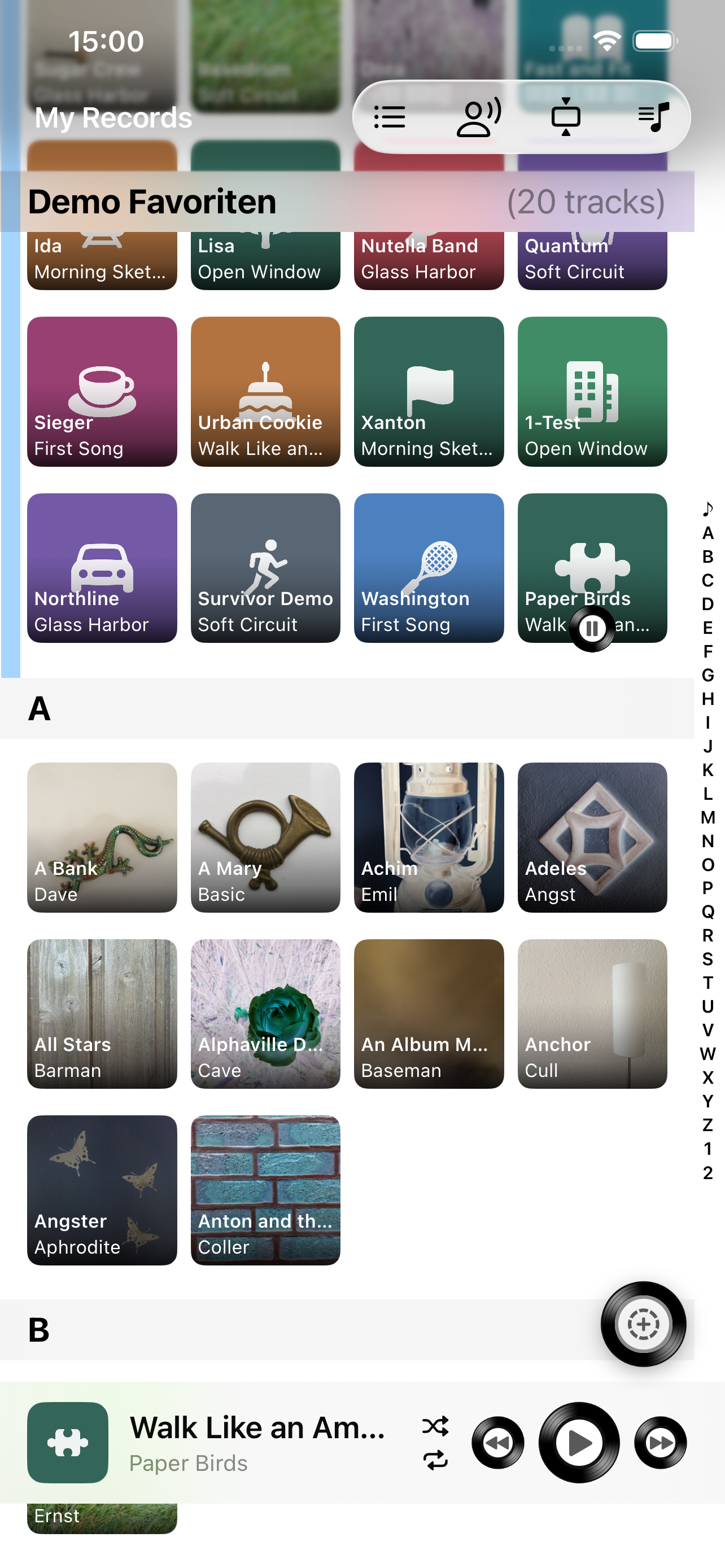
Album art at a glance—even in large collections. Jump with the A–Z index, pick an album with one tap, start a song with another: like a record or CD on a shelf.
A favorite playlist at the top of the library, add songs to a playlist while you listen, add tracks and albums—clear playlist management.
With Follow the Song™, the overview jumps to the current track. Hide unwanted tracks; shuffle and repeat apply only in the scope you choose.
A dedicated Now Playing screen with large artwork, LP-style vinyl controls, progress, and rating. Lyrics when they are in the library—AirPlay via the system. In landscape, the player uses the width well.
Not a ranking of competitors—just where this app focuses.
| Feature | My Records | Many large music apps |
|---|---|---|
| Local library only (no streaming services) | Yes | Often Apple Music, Spotify & other catalogs |
| Clear job (manage your own collection) | Yes | Often streaming, radio, podcasts, and more |
| Album overview with covers & A–Z index | Yes | Varies; often playlist- or stream-centered |
| Cover Flow (landscape) | Yes | Rare or missing |
| Favorite playlist at top of the library | Yes | Rarely a fixed library block |
| Follow the song in the album overview | Yes | Not everywhere |
| Shuffle/repeat with selectable scope | Yes (track, album, artist, section, all) | Often global only |
| Shuffle: random albums or artists | Yes | Rare |
| Hide tracks/albums (“unwanted”) | Yes | Not everywhere |
| Full player view with LP controls | Yes | Standard player UI |
| True iPad layout (Gold mode) | Yes | Varies; often a scaled phone UI |
Everything here matches what is in the app—without marketing hype.
My Records works with the library on your device—purchased, imported, or synced tracks. No third-party streaming catalog. Instead of long text lists: album covers in the overview, like a record or CD on a shelf.
In landscape, browse the collection in three dimensions through album covers—Cover Flow for your local library.
Create playlists quickly from your music library. A favorite playlist can sit as the favorite playlist at the top of the library—favorites ready at a glance. Edit via management and swipe when the app created the playlist.
Add the current song to an existing playlist easily—from the player or from an album, while you listen. Plan with the queue separately; optionally save it as a new playlist.
Optionally, the album overview jumps to the current song while you listen. Shuffle and repeat are not blindly global—you choose the scope:
Beyond classic shuffle in the chosen scope: pick whole albums or whole artists at random for playback—the app decides which album or artist comes next.
Easily hide songs (or whole albums) you don’t want to hear via the context menu or a long press. Blocked tracks stay manageable in their own overview.
On the Now Playing screen: large cover, LP transport with vinyl-style controls, swipe to the next or previous track—in portrait and landscape.
In Gold mode, My Records uses the iPad screen more fully—instead of an iPhone layout on the large display. You can show vinyl controls as gold or black.
My Records
Gold mode
You choose a playlist that My Records shows as the first block in the album overview—ideal for favorites or a list you open often. You can switch or remove that block anytime.
In an album or track list: context menu or long-press a song—then “Don’t play anymore”. Whole albums have a matching action. Blocked tracks live under unwanted songs in playlist management.
No. My Records only plays and organizes music in the local library on the device (via MusicKit)—e.g. purchased, imported, or synced. Streaming catalogs from Apple Music, Spotify, or others are not searched or played. An Apple Music subscription alone is not enough if the tracks are not in your device library.
If only a few tracks are loaded on the device while many albums exist, the app shows a hint—often fully loading or syncing the library in system settings helps.
Playlists created by My Records can be renamed, sorted, and filled. System or third-party playlists are shown and filled only as far as the library API allows.
Cover Flow is a three-dimensional cover view for browsing album art in your collection. It is available in landscape only.
Instead of single tracks, you can pick whole albums or whole artists at random for playback. The familiar scope (track, album, artist, section, all) remains available as well.
With Gold mode on, the iPad gets a true iPad layout using the full screen—not an iPhone UI on the large display. That means better iPad support. You can also show vinyl controls as gold or black.
My Records is only for your music library. Podcasts and internet radio have their own aurarum apps—kept separate so each app has one clear job.
See what My Records offers for your local music library—familiar and relaunched.
What’s new